Loading page…
Texture
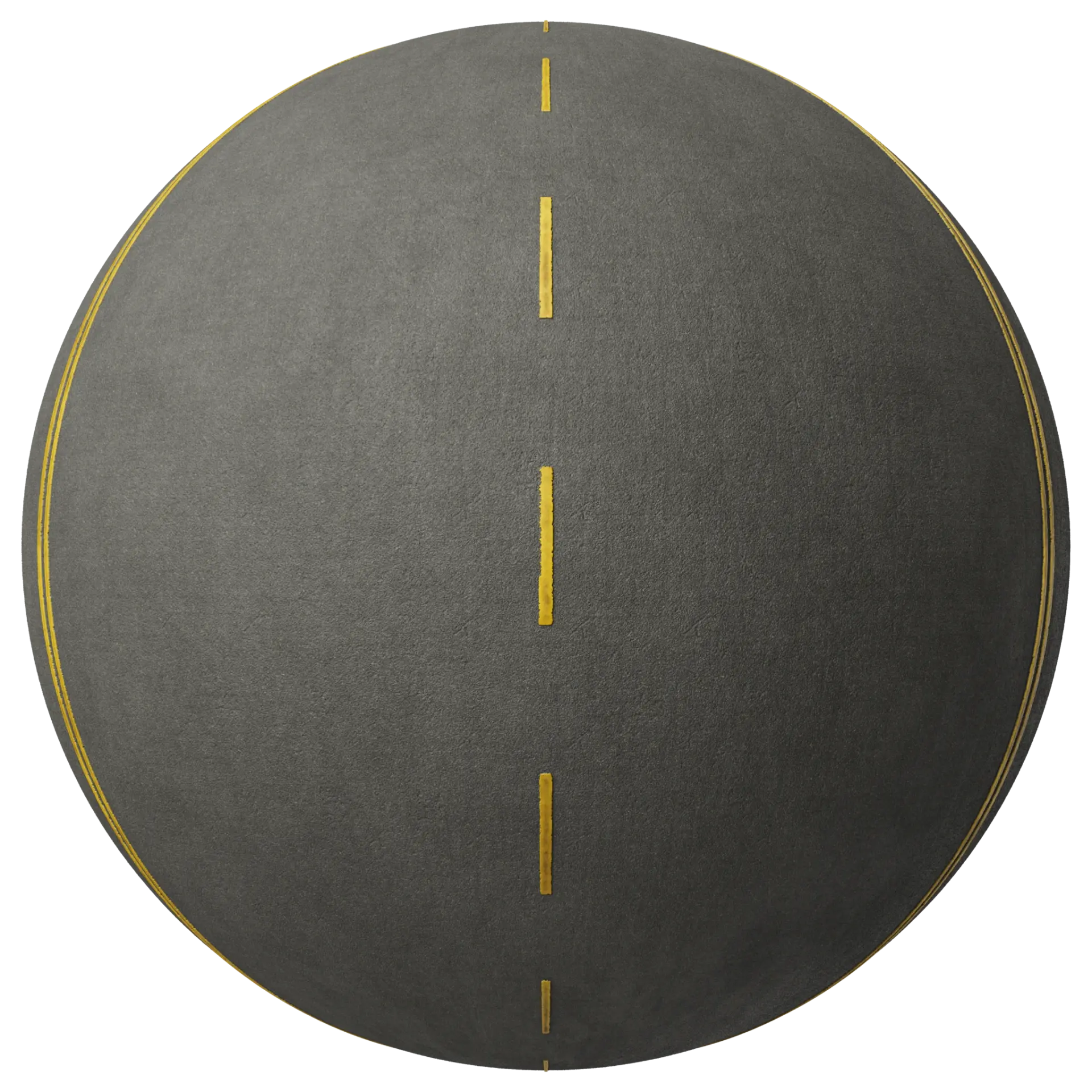
Asphalt Road Texture with Yellow Lane Markings
by Suzanne Agbayani
About this asset
This 2K seamless PBR asphalt texture features painted yellow lane markings, providing a realistic surface for road infrastructure. This PBR material captures a fine-grained, dark charcoal asphalt surface with weathered, high-visibility yellow lane markings running longitudinally. The texture is designed to be fully tileable, ensuring that the road markings align correctly across large surfaces without visible seams or repetitive patterns. It includes a complete set of maps including albedo, displacement, normal, roughness, and ambient occlusion, allowing for precise control over the surface finish and depth in any rendering engine. The material is clean and uniform, representing a standard, well-maintained road section suitable for various exterior architectural and civil engineering visualizations.
The download is a 31.2 MB compressed archive with the texture set at 2K with colour, normal, roughness, ambient occlusion and displacement maps, ready for any metal/roughness PBR workflow in Blender, 3ds Max, SketchUp, Unreal Engine or D5.
In your preferred 3D software, apply this material to a plane or mesh representing a road surface. Use the albedo map for the diffuse channel, while plugging the normal map into the bump or normal slot to capture the granular texture of the tarmac. The displacement map adds physical depth to the road surface, and the roughness map ensures that the asphalt and paint react differently to light sources, maintaining a high level of photorealism in your final render.