Loading page…
CAD Drawing
Graphic Arrow Symbol Set
by Hetali Patel
About this asset
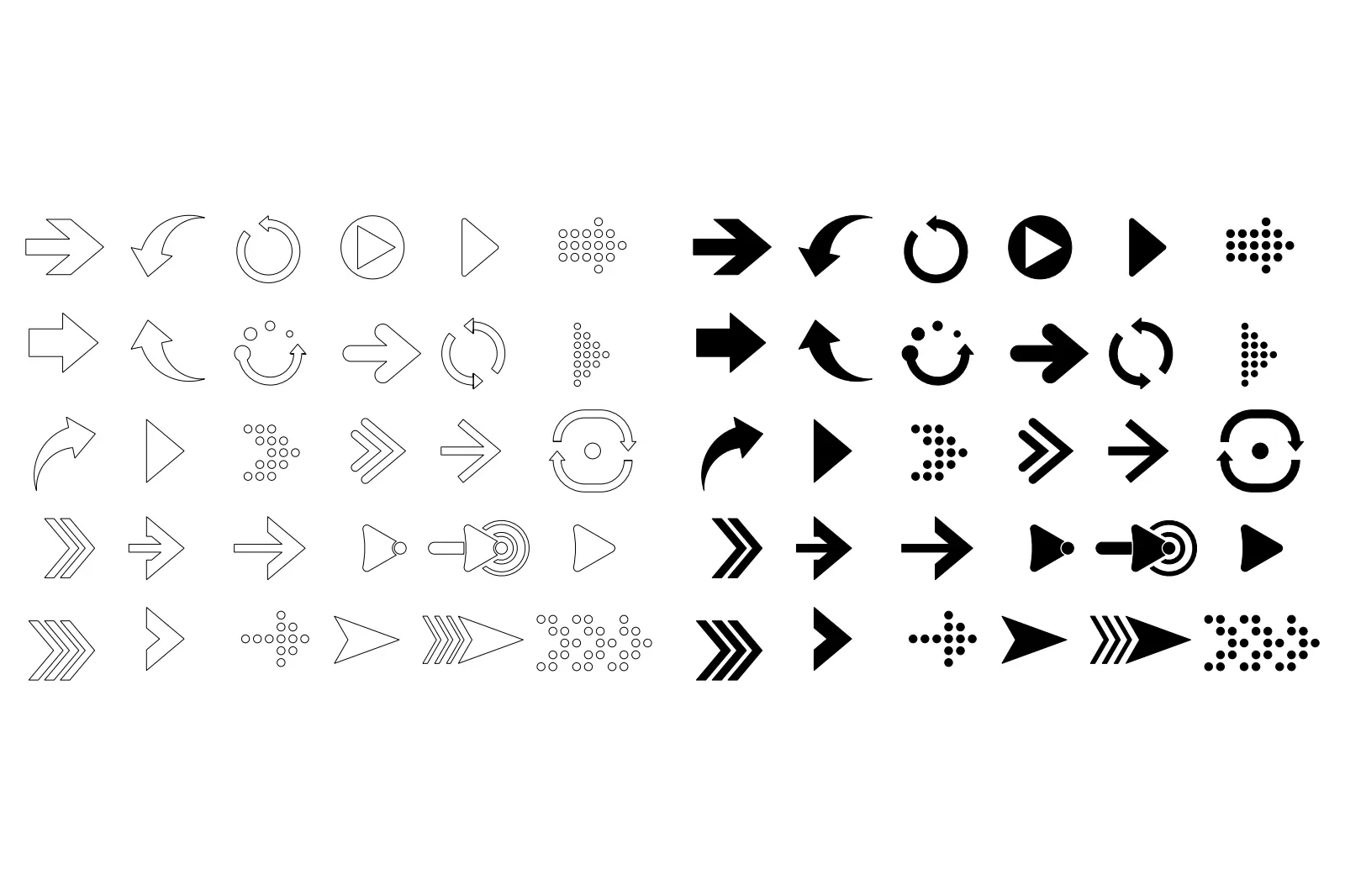
Graphic Arrow Symbol Set for AutoCAD, providing 60 versatile outline and solid arrow icons for architectural and technical diagrams. This collection features 60 distinct arrow symbols, presented in both clean outline and solid black fill variations. The set includes a comprehensive range of styles, from simple straight pointers and curved directional indicators to circular refresh icons and dotted patterns. Each symbol is rendered with precise, minimalist geometry, ensuring clarity at various scales. The variety covers multiple orientations and functional styles, making them suitable for diverse documentation needs. The consistent line weight and clean shapes maintain a high level of legibility, essential for professional architectural plans, site maps, and technical system diagrams.
The download is a 113 KB file containing an AutoCAD drawing (.dwg) drawn in all views holding 60 separate objects. It opens in AutoCAD, BricsCAD, DraftSight and other DWG-compatible CAD programs, ready to insert as blocks into plans and elevations.
In AutoCAD, these symbols are best managed as a block library. Professionals should insert the DWG file into their drawing template or use the DesignCenter to drag and drop specific arrows into active projects. Since the geometry consists of standard lines and polylines, users can easily scale, rotate, or mirror each symbol to fit specific layout requirements. They can also be assigned to a dedicated annotation layer to control visibility and plot styles independently from the architectural model.