Loading page…
Revit Family
Tree 2d
by José David Mejías Morales
About this asset
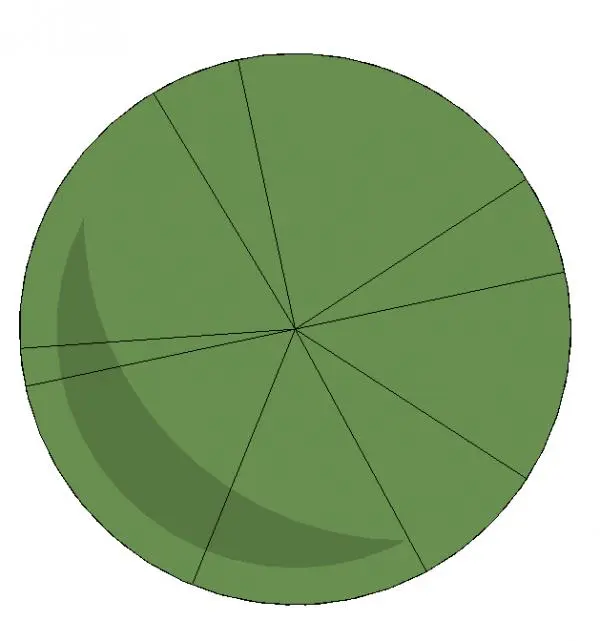
This 2D plan view tree is a native Revit detail component featuring a simplified geometric canopy for landscape and site plans. Representing a deciduous tree in a top-down plan view, this Revit detail component uses a clean, graphic approach suitable for architectural site plans and landscape documentation. The symbol consists of a circular canopy outline divided into segments by radiating lines, suggesting a tree crown. A subtle crescent-shaped shading overlay provides depth, distinguishing the foliage from the ground plane. The geometry is purely two-dimensional, ensuring lightweight performance in large-scale masterplan drawings or detailed site layouts. It provides a consistent, professional aesthetic for site design documentation where complex three-dimensional planting models would be unnecessarily resource-intensive.
The download is a 266 KB file containing a Revit family (.rfa). Load it into a project from the Insert tab with Load Family, then place it like any other component of its category; it schedules and tags with the rest of your model.
As a standard Revit detail component, this family is intended for use in drafting views or directly within plan views to augment site documentation. Simply load the RFA file into your project and place it using the detail component tool. Because it is a 2D symbol, it remains visible in plan views at all scales without requiring complex host settings. You can easily duplicate the instance to populate landscape areas or adjust the family parameters to modify line weights for clearer printing.