Loading page…
Revit Family
Wireless Symbol Annotation
by Tjeerd Haccou
About this asset
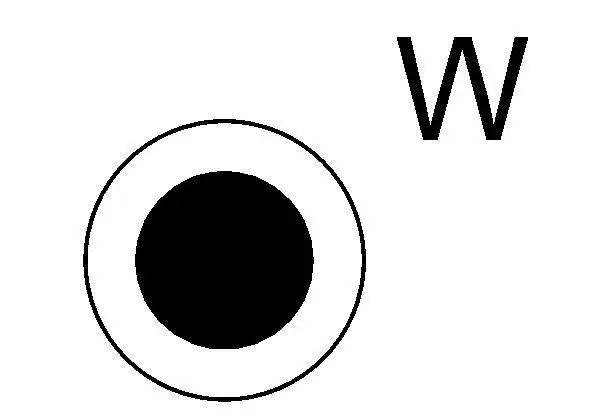
Wireless Symbol Annotation is a Revit family featuring a standard graphic for denoting wireless access points in floor plans. This 2D annotation family consists of a clean, vector-based graphic representing a wireless device. The design features a solid black circular core enclosed within a slightly larger concentric circle, accompanied by a sans-serif 'W' character positioned to the upper right. The geometry is simplified for clear legibility at standard architectural scales, such as 1:50 or 1:100. It adheres to conventional drafting standards for electrical and data communication layouts, ensuring that the symbol remains distinct from other architectural plan elements when plotted or viewed in complex BIM documentation sets.
The download is a 51 KB file containing a Revit family (.rfa). Load it into a project from the Insert tab with Load Family, then place it like any other component of its category; it schedules and tags with the rest of your model.
Users can load this RFA file directly into a project or template file as a detail component. Once loaded, it can be placed into floor plans, reflected ceiling plans, or electrical drawings using the component tool. Because it is a native Revit annotation family, the symbol maintains consistent scale regardless of the view's zoom level. It is designed to be placed on a specific annotation sub-category layer to allow for easy visibility control and global toggling across multiple sheets.
This symbol is essential for electrical engineers and interior designers documenting data and telecommunications infrastructure in residential, commercial, or office projects. It is typically used in the early design development and construction documentation phases to locate wireless access points for IT coordination. Professionals will find this useful when creating comprehensive electrical floor plans, ensuring that all network hardware is clearly identified for contractors and clients. It pairs well with other standard electrical symbols like power outlets, data ports, and lighting fixtures.