Loading page…
Revit Family
Window Tag Annotation Symbol
by Adam Grove
About this asset
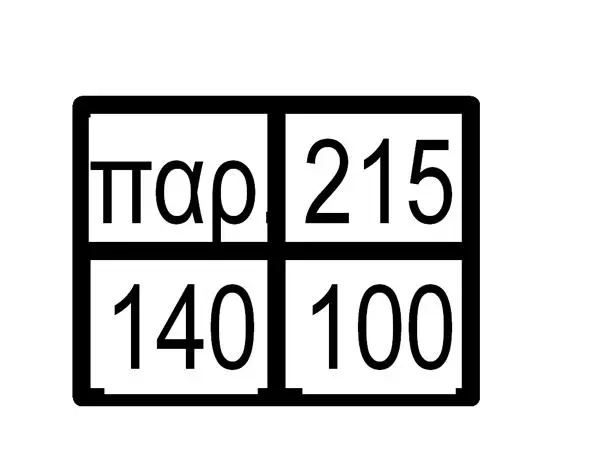
This Window Tag Annotation Symbol is a Revit family designed for documenting window schedules and dimensions on architectural plans. The symbol features a clean, four-quadrant grid layout designed for high legibility in construction documentation. It includes specific text fields for window identification codes, dimensions, and other relevant technical parameters. The linework is standard vector-based, ensuring it remains sharp at any scale or print resolution. The layout is compact and efficient, allowing for clear placement alongside window elevations or in plan views without obscuring critical building geometry. This annotation component is built to standard Revit drafting conventions, providing a professional and consistent look across all project sheets and technical drawings.
The download is a 113 KB file containing a Revit family (.rfa). Load it into a project from the Insert tab with Load Family, then place it like any other component of its category; it schedules and tags with the rest of your model.
To integrate this annotation into a project, load the family into your Revit environment and apply it using the Tag by Category tool. Once placed, the symbol automatically pulls parameter data from the associated window family. Users can adjust the text labels or modify the family's type properties to align with specific office standards or drawing templates. Ensure the tag is correctly mapped to the desired window category to maintain accurate schedule data and facilitate seamless automated documentation throughout the design phases.