Loading page…
Revit Family
Keypad Annotation Symbol
by Loke Chan
About this asset
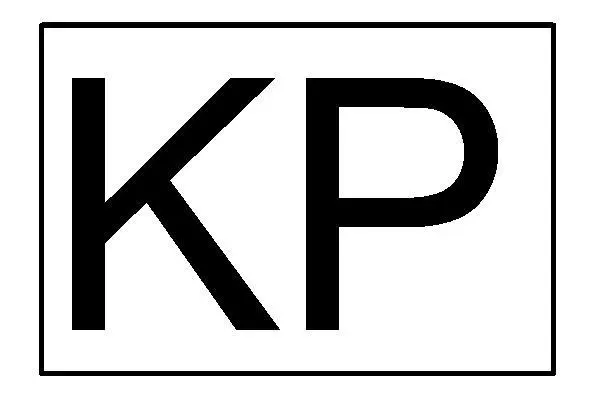
This Revit annotation symbol is a standard graphic representation of a keypad for electrical plans and interior design documentation. The symbol consists of a clear, rectangular border enclosing the capital letters KP in a bold, sans-serif typeface. Designed for high readability at standard architectural scales, the graphic maintains clean lines and consistent stroke weights. It is a strictly 2D element intended for use within drafting views or as a tag on floor plans to indicate the location of security or access control keypads. The minimalist geometry ensures that it does not clutter technical drawings while providing immediate visual identification of the specified hardware component for contractors and site teams.
The download is a 51 KB file containing a Revit family (.rfa). Load it into a project from the Insert tab with Load Family, then place it like any other component of its category; it schedules and tags with the rest of your model.
Load this family into your Revit project as a generic annotation. Once inserted, it can be placed directly onto floor plans, reflected ceiling plans, or electrical layouts. Because it is a 2D symbol, it will maintain its scale regardless of the view's zoom level. Users can easily align it with other electrical symbols or wall-hosted elements, ensuring consistent documentation standards across all project phases without the need for complex 3D modelling or material assignments.
This symbol is essential for interior designers, electrical engineers, and architects working on security layouts or access control systems. It is primarily used during the construction documentation phase to mark the placement of physical keypad units on wall elevations or floor plans. It pairs effectively with other electrical symbols for switches, outlets, and data points, allowing for comprehensive documentation of building services. Professionals searching for clear, standardised symbols for security infrastructure will find this a reliable addition to their Revit project templates.