Loading page…
Revit Family
Custom Line Type with Diameter Symbol Pattern
by Amanda Royale Sengstacken
About this asset
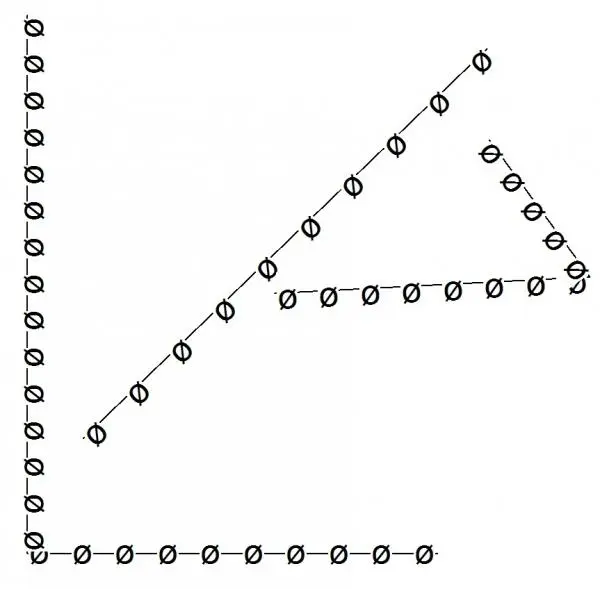
This custom line type for Revit features a repeating diameter symbol pattern, ideal for specialised drafting and detailing. The line type consists of a continuous linear path punctuated by repeating diameter symbols at regular intervals. It is designed for use within technical documentation where specific callouts or non-standard graphical representations are required for clarity. The pattern is clean, geometric, and maintains consistent spacing regardless of the path length, making it suitable for both straight runs and angular segments. By utilising this line style, designers can standardise specific annotation requirements across project sheets, ensuring a uniform visual language for complex technical details that require distinct identification from standard solid or dashed lines.
The download is a 236 KB file containing a Revit family (.rfa). Load it into a project from the Insert tab with Load Family, then place it like any other component of its category; it schedules and tags with the rest of your model.
To implement this line type, load the provided file into your Revit project environment via the Manage tab. Once loaded, access the Line Styles dialogue under the Manage tab to apply this pattern to specific drafting lines or detail components. It functions as a standard line weight and style setting, allowing users to draw directly in drafting views or detail components. Ensure that the line weight settings are adjusted appropriately to maintain symbol legibility at various scales typical for architectural construction documentation.