Loading page…
Revit Family
Align Symbol
by Brooke Bayer
About this asset
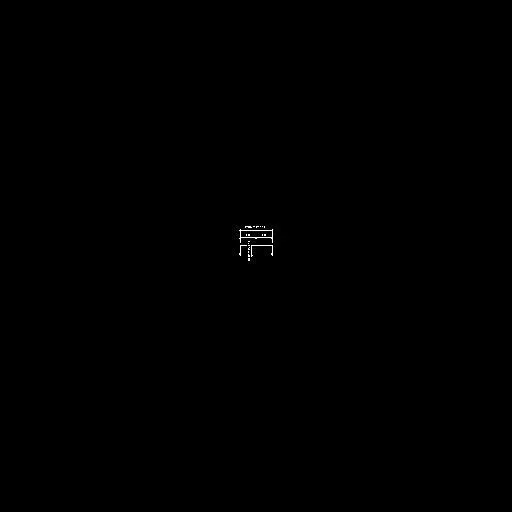
This Align Symbol is a Revit family designed for precise drafting and documentation tasks within technical architectural projects. The Align Symbol is a dedicated 2D Revit annotation family, engineered to assist in the precise alignment and positioning of elements within construction documentation. It features a clean, minimalist graphic representation consisting of crisp, standard-weight lines that remain legible across various scales. The geometry is designed to be clear and unobtrusive, ensuring it does not clutter technical drawings or plan views. As a generic annotation component, it provides consistent visual feedback, allowing architects and technicians to maintain strict standards across large drawing sets while ensuring that documentation remains clear, professional, and easily interpretable by contractors.
The download is a 276 KB file containing a Revit family (.rfa). Load it into a project from the Insert tab with Load Family, then place it like any other component of its category; it schedules and tags with the rest of your model.
To integrate this component, load the family into your Revit project and access it via the Annotate tab. Once placed, the symbol acts as a reference marker, allowing for quick alignment of elements or views. Because it is a 2D annotation family, it maintains its relative size regardless of the sheet scale, ensuring that the graphic remains consistent on printed documentation. Users can easily snap the symbol to grid lines, reference planes, or existing model geometry to maintain strict drafting accuracy.