Loading page…
3D Model
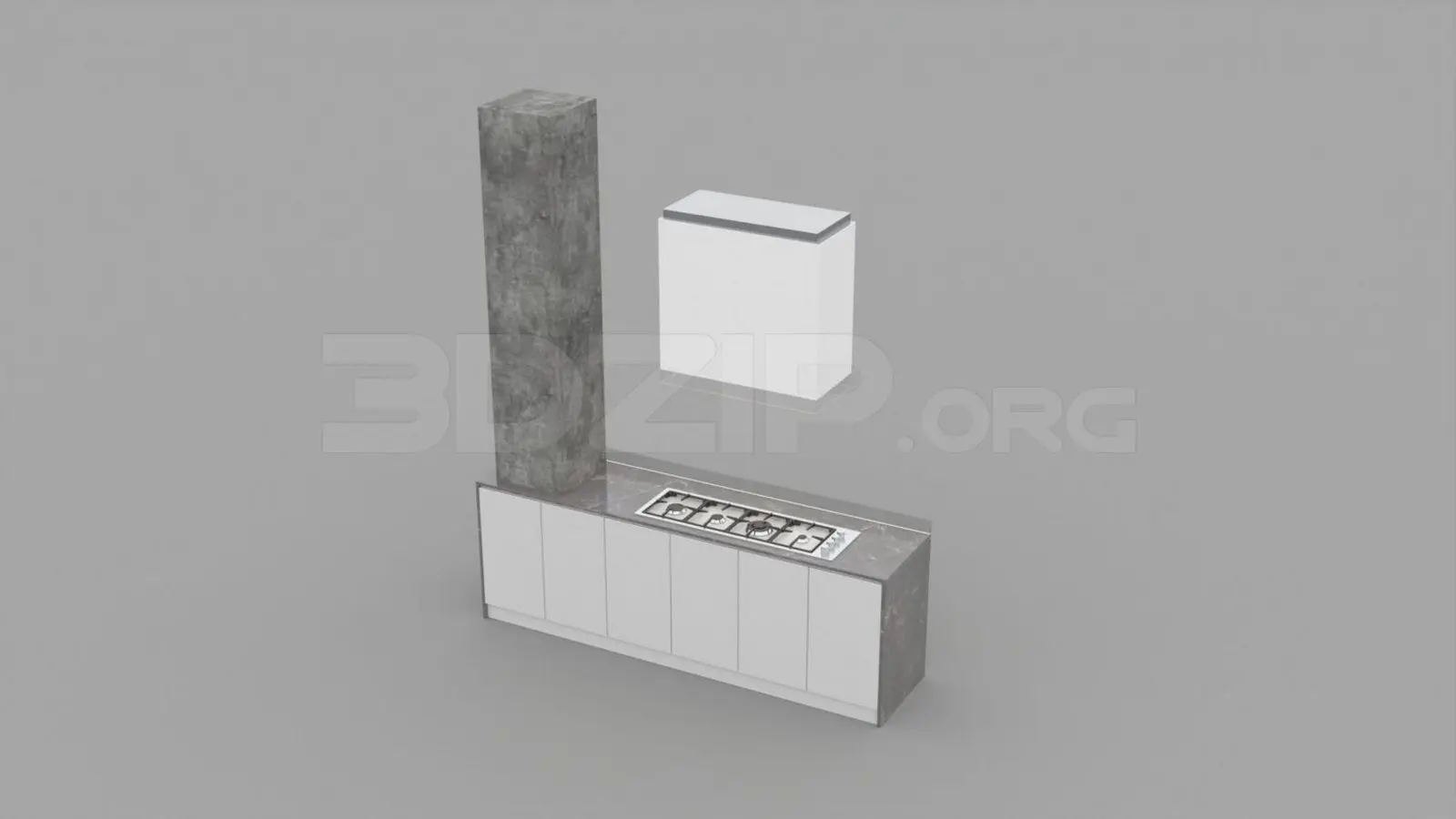
Modern White and Concrete Kitchen Island with Cooktop
by Tiffany Adler
About this asset
This modern kitchen island 3ds Max model features a white cabinet base, a stone-effect countertop, and a tall concrete-finish pillar. This kitchen island unit presents a clean, linear aesthetic defined by its contrasting textures. The main base consists of five seamless white-fronted cabinets, providing a minimalist storage solution. The surface is topped with a grey stone-effect countertop, which integrates a flush-mounted gas cooktop. A prominent, vertical pillar finished in a raw concrete texture rises from one end of the island, serving as a striking architectural anchor. A matching white wall-mounted unit is positioned above, completing the functional assembly. The design prioritises geometric simplicity and material juxtaposition, making it suitable for contemporary interior schemes.
The download is a 22 MB compressed archive containing the native 3ds Max (.max) model, set up with Corona materials. Open it in 3ds Max with Corona installed; for other programs, export to FBX or OBJ from 3ds Max first.
To integrate this model into a 3ds Max scene, use the merge command to import the unit into your project file. Ensure the pivot point is aligned to the floor level for accurate placement. The material slots are assigned to distinct objects, allowing for easy adjustment of the concrete and stone textures via the Slate Material Editor. For lighting, consider using an area light or HDRI setup to accurately capture the subtle reflective qualities of the countertop and the matte finish of the cabinets.