Loading page…
CAD Drawing
Vegetation Plan View Tree Set
by Vincent Orologio
About this asset
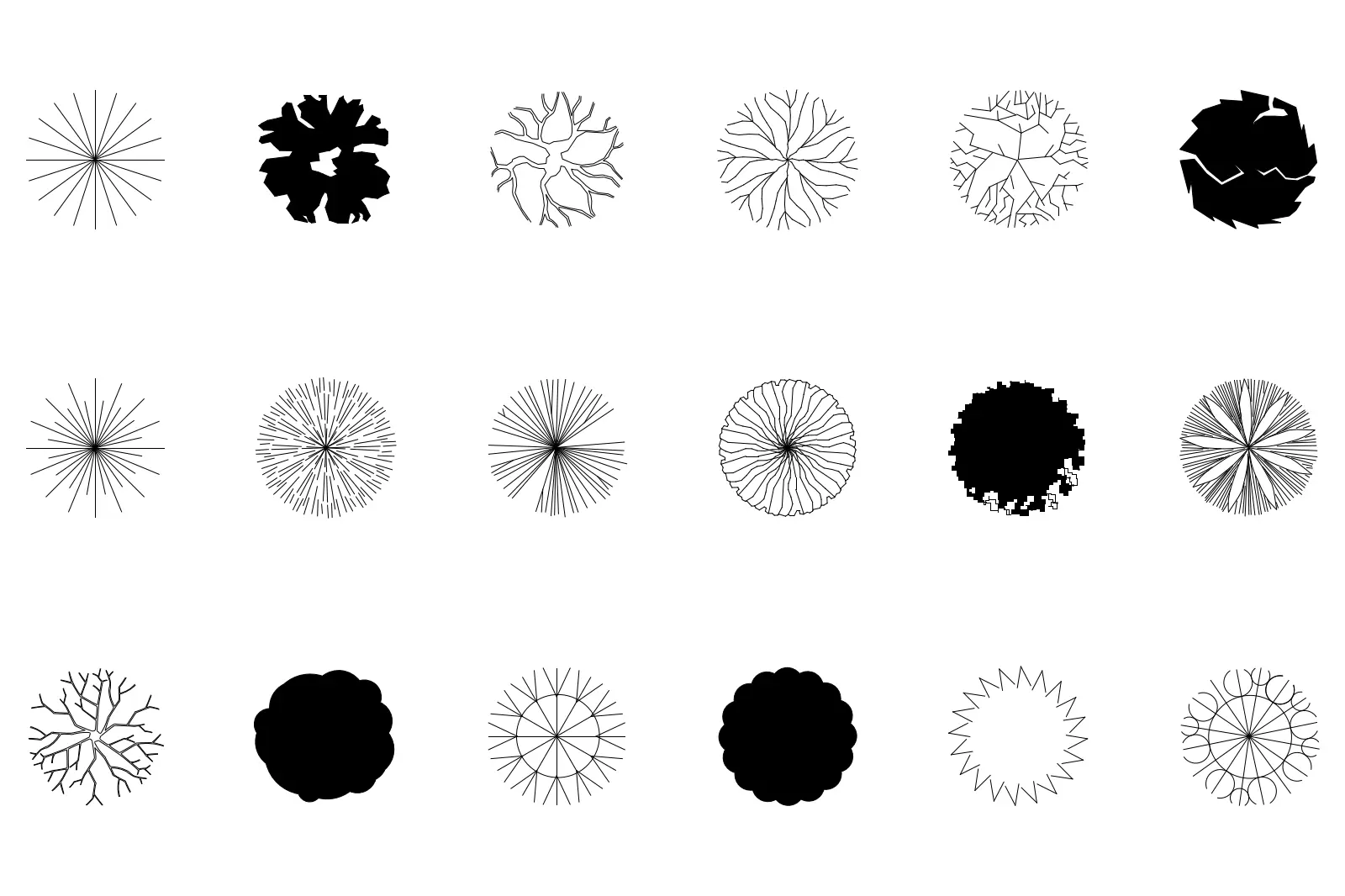
This set of eighteen 2D CAD tree symbols in plan view provides essential vegetation markers for AutoCAD site and landscape plans. This collection features eighteen distinct tree symbols rendered in a clean, black-and-white vector format. Each icon represents a different canopy structure, ranging from simple radial lines and geometric outlines to solid silhouettes and complex, organic branch patterns. The variety offers diverse options for denoting different species or tree sizes within a master plan or planting schedule. The graphics are highly legible at small scales, ensuring clear visual communication when layered over site survey drawings or architectural site plans. These symbols are drafted as standard CAD geometry, allowing for easy selection and modification.
The download is a 389 KB file containing an AutoCAD drawing (.dwg) drawn in plan holding 18 separate objects. It opens in AutoCAD, BricsCAD, DraftSight and other DWG-compatible CAD programs, ready to insert as blocks into plans and elevations.
To use these symbols in AutoCAD, simply insert the DWG file into your project as a block or copy and paste the individual tree markers directly into your site plan. Because they are native vector geometry, they can be scaled to match specific canopy diameters and placed on dedicated layers to manage visibility. They are ideal for quick site analysis or final documentation, providing a professional, standardized look for landscape documentation without the overhead of heavy 3D assets.
These symbols are indispensable for landscape architects and urban designers working on site plans, master planning, and detailed planting schemes. They pair well with standard CAD site survey data and can be used across all project stages, from initial concept sketches to detailed planning submissions. Architects often use these to define green spaces in residential developments, public parks, and commercial courtyards. Search for these by terms such as CAD trees, landscape symbols, planting plan blocks, or site plan vegetation to find them in your library.