Loading page…
Revit Family
Metal Grille Security Storm Door
by PETER FRANCK
About this asset
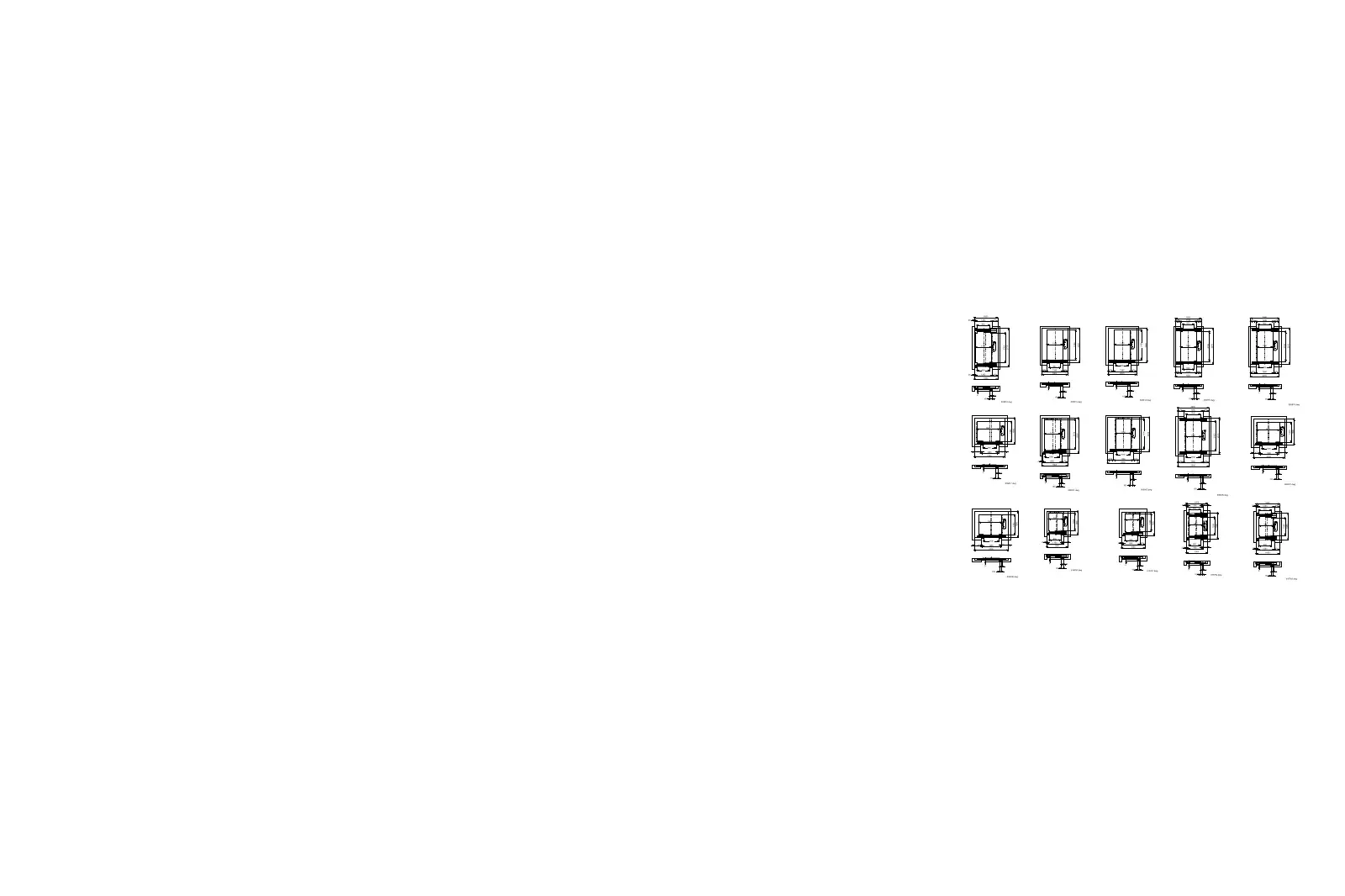
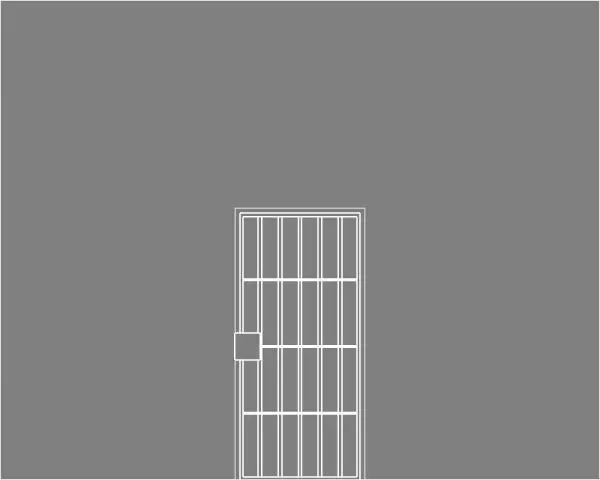
This metal grille security storm door Revit family provides a secondary exterior barrier with vertical steel bars and an integrated lock plate. The door comprises a rectangular tubular perimeter frame housing a protective barred insert. Five vertical pickets span the full height of the leaf, reinforced by three evenly spaced horizontal crossbars that form a rigid protective grid. A solid square lockbox mounting plate is positioned on the strike stile to house primary deadbolts or lever hardware while shielding lock cylinders against tampering. Framed within an outer sub-frame casing, the unit functions as an exterior storm screen leaf mounted directly forward of primary residential entry assemblies.
The download is a 389 KB file containing a Revit family (.rfa). Load it into a project from the Insert tab with Load Family, then place it like any other component of its category; it schedules and tags with the rest of your model.
Engineered as an RFA file for Revit workflows, this component inserts as a standard wall-hosted door opening. Users can place it directly into external wall assemblies aligned with primary entry doors. Elevation and plan line work display clean drafting projections without heavy polygonal overhead, ensuring crisp documentation output across architectural schedules, exterior elevations, and enlarged door details.
Tailored for single-family residences, suburban renovations, urban townhouses, and multi-family porch entries, this component represents secondary perimeter defence installations. Architects and specifiers frequently look for a security screen door, iron storm door, or barred exterior gate when detailing back entrances, basement walkouts, and front vestibules requiring ventilation with enhanced burglary deterrence. It coordinates neatly with standard hinged timber or composite entry doors.