Loading page…
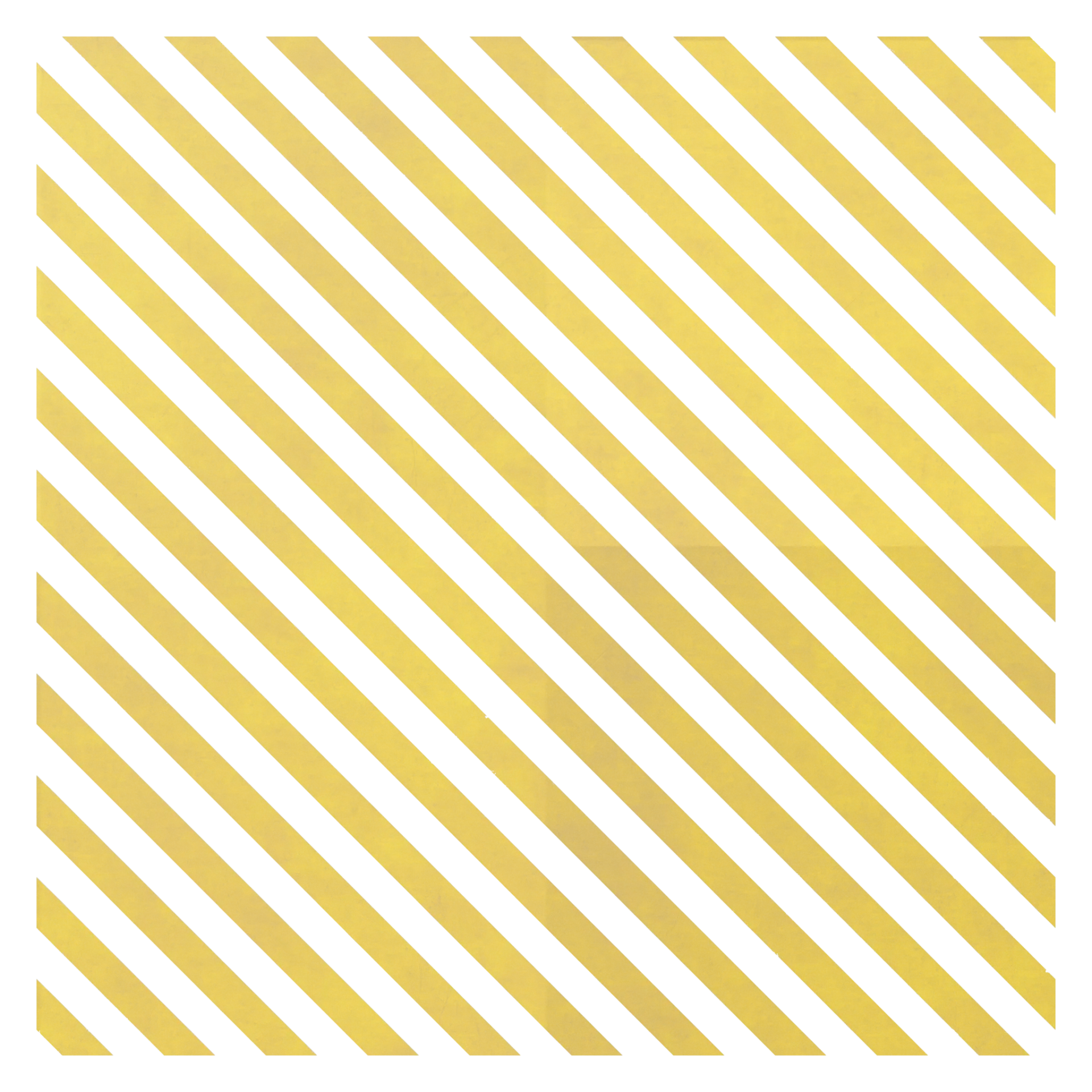
Texture
Yellow Diagonal Stripe Road Marking Decal
by Shiyein Lau
About this asset
This 2K PBR decal provides a high-quality yellow diagonal stripe road marking texture, ideal for realistic site plan rendering. This asset consists of a repeating diagonal stripe pattern designed for road and safety markings. The graphic features high-contrast yellow bands separated by clean white spaces, mimicking standard thermoplastic or painted traffic signage. The surface texture exhibits a subtle, weathered quality, suggesting a realistic application on asphalt or concrete substrates. As a procedural-based texture, it offers consistent visual fidelity across large areas without visible repetition artifacts. The file set includes comprehensive maps for albedo, displacement, normal, roughness, and ambient occlusion, ensuring accurate light interaction and physical depth when applied to geometry.
The download is an 18.1 MB compressed archive with the texture set at 2K with colour, normal, roughness, ambient occlusion, displacement and opacity maps, ready for any metal/roughness PBR workflow in Blender, 3ds Max, SketchUp, Unreal Engine or D5.
Professionals can integrate this decal by applying it as a secondary material layer over existing ground plane geometry. By utilizing the provided opacity map, users can mask the texture precisely to show the underlying asphalt or concrete. The PBR maps should be plugged into standard shader nodes within any major 3D rendering engine, with the displacement map used to add subtle surface relief, enhancing the realism of the painted marking in exterior lighting conditions.