Loading page…
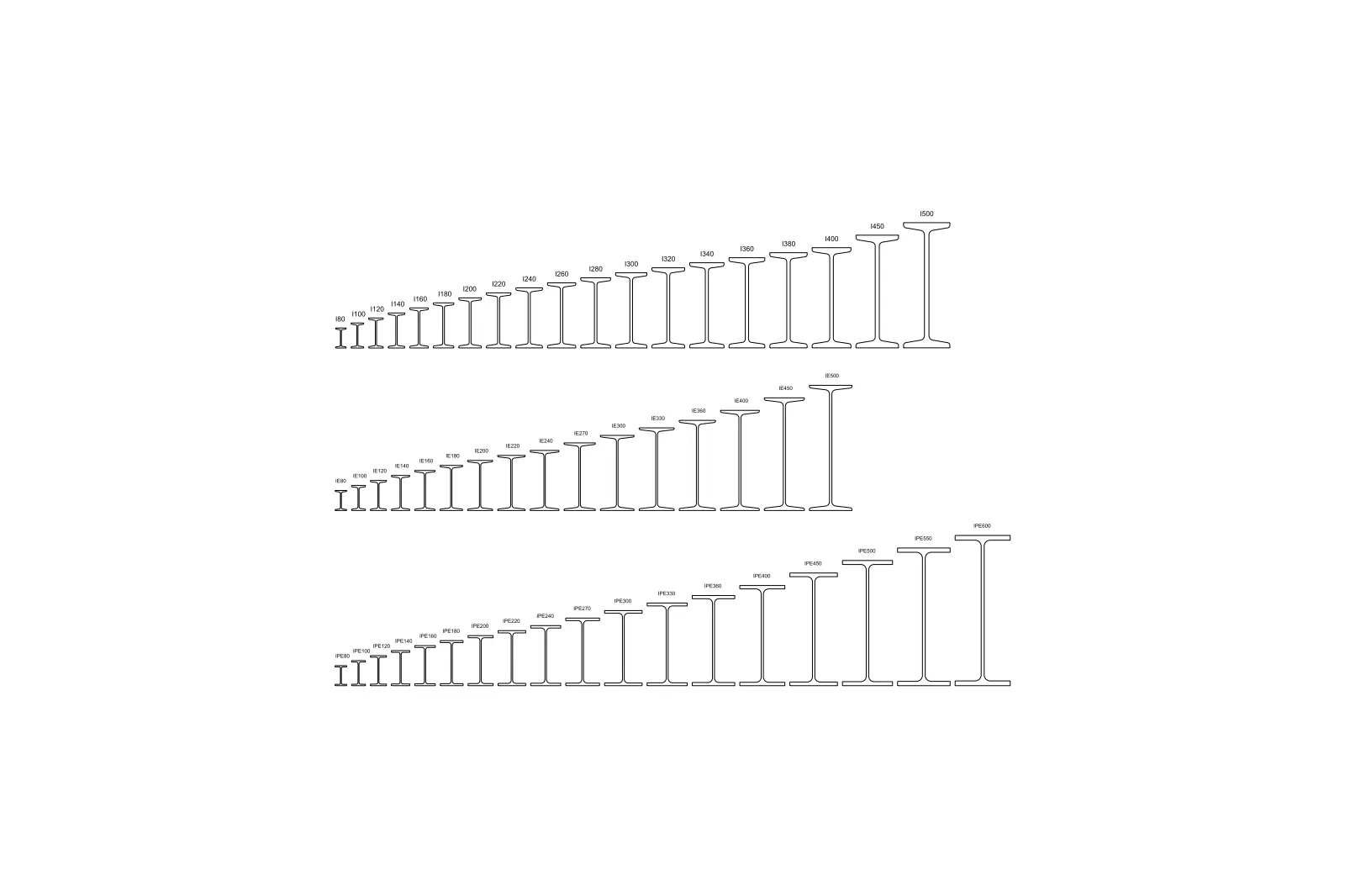
CAD Drawing
I, IPE, and IE Steel Beam Profiles Set
by Ian E. Sheng
About this asset
This AutoCAD DWG drawing provides a comprehensive collection of I, IPE, and IE steel beam profiles in a clean 2D plan view. This technical library contains a complete set of standard structural steel profiles, including I-beams, IPE sections, and IE series beams. The geometry is presented in clear 2D plan view, illustrating the varying flange widths, web thicknesses, and overall heights for each specific designation. The profiles are drawn with precise linework, allowing for accurate scaling and insertion into structural plans or cross-sectional details. Each section is clearly labelled with its corresponding industry-standard reference, ensuring quick identification for engineers and drafters working on steel-framed projects or composite construction documentation.
The download is a 102 KB file containing an AutoCAD drawing (.dwg) drawn in plan. It opens in AutoCAD, BricsCAD, DraftSight and other DWG-compatible CAD programs, ready to insert as blocks into plans and elevations.
Engineers and architects can integrate these profiles directly into AutoCAD projects by using the design center or by copying and pasting the desired section into a block library. Since the geometry is provided as standard 2D linework, it is easily scalable and can be used to populate structural schedules, frame elevations, or connection details. The clean, unlayered structure ensures compatibility across various CAD environments, allowing for immediate use in technical documentation without complex setup or layer management.