Loading page…
CAD Drawing
Industrial Conveyor Rail System Plan
by Alexander Porter
About this asset
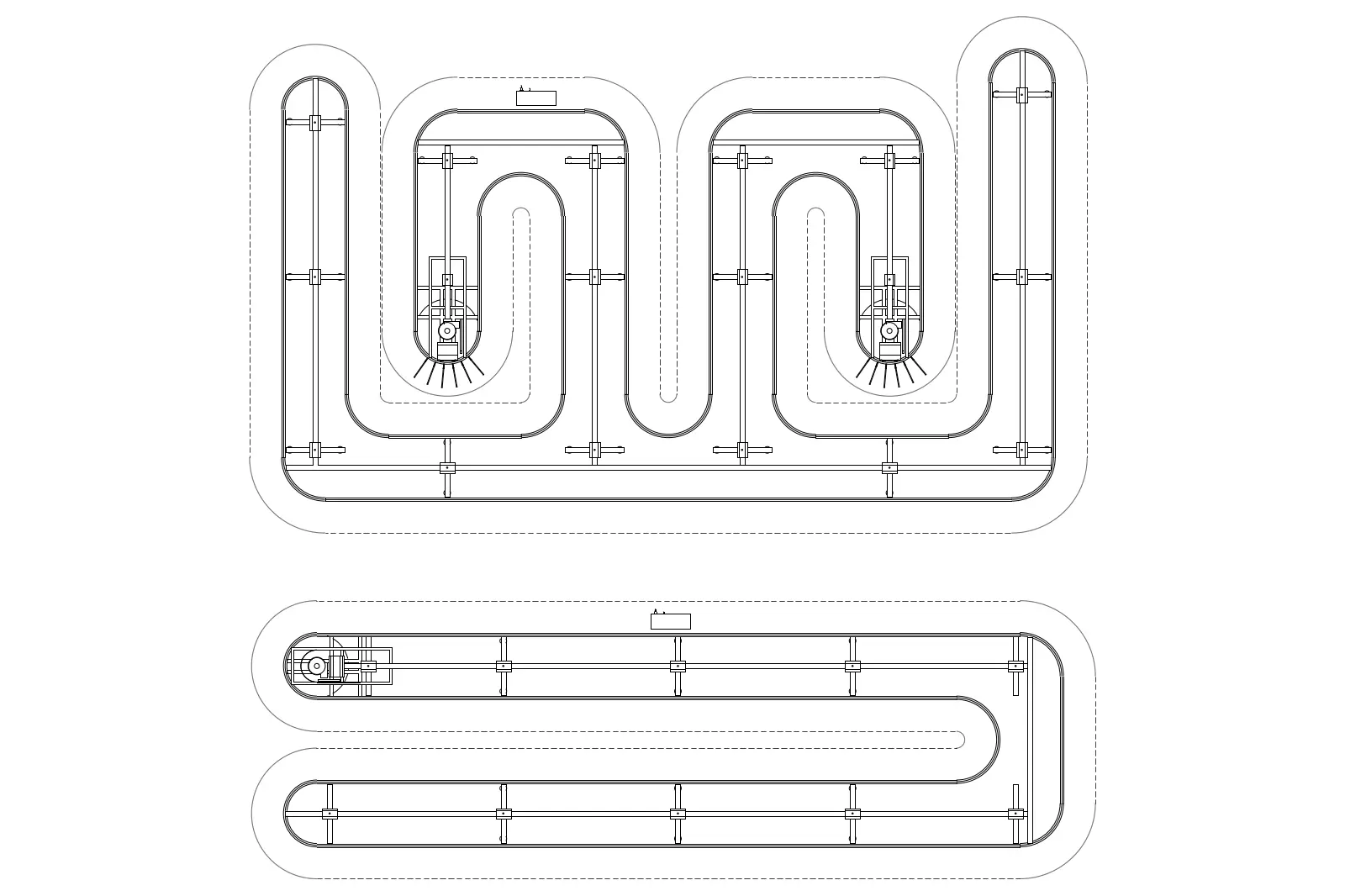
Industrial conveyor rail system represented in a detailed AutoCAD DWG plan, showing two distinct track configurations for logistics. This technical drawing illustrates two distinct industrial conveyor rail configurations in a clean plan view. The layouts feature continuous tracks with integrated drive motors, support brackets, and modular rail segments. One configuration shows a complex serpentine path designed for multi-directional sorting or assembly, while the second displays a streamlined, linear loop. The geometry is drafted with precise line work, highlighting the mechanical path, mounting points, and drive units necessary for industrial facility planning. The design is purely functional, focusing on the spatial requirements and routing of automated material handling systems within a production or distribution environment.
The download is a 123 KB file containing an AutoCAD drawing (.dwg) drawn in plan. It opens in AutoCAD, BricsCAD, DraftSight and other DWG-compatible CAD programs, ready to insert as blocks into plans and elevations.
Architects and industrial engineers can insert this DWG file directly into site plans or facility floor layouts to establish the footprint of automated handling equipment. Since the geometry consists of standard CAD lines, it is easily scalable to match specific site dimensions or modified to adjust the track path. Users should place these assets on a dedicated mechanical layer to maintain drawing clarity and toggle visibility during the coordination of structural columns, MEP services, and floor-mounted equipment.