Loading page…
Revit Family
Arched Beam Structural Framing Family
by Mariana Perezanta
About this asset
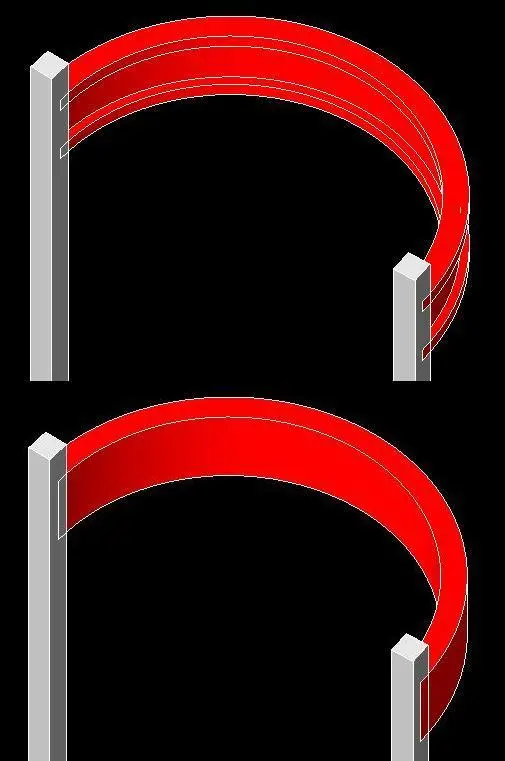
This Revit family provides an arched beam component for structural framing, ideal for creating curved support systems in Revit. The arched beam is designed as a structural family, featuring a clean, curved geometry suitable for various architectural applications. It is represented as a solid, monolithic element that integrates seamlessly with vertical structural columns. The form is defined by a consistent radius, allowing for precise placement in complex structural layouts. Its profile is simple and robust, typical of reinforced concrete or steel structural members. The family is stripped of unnecessary detail, focusing on clean lines and accurate volumetric representation, ensuring it remains lightweight and efficient within larger structural models.
The download is a 215 KB file containing a Revit family (.rfa). Load it into a project from the Insert tab with Load Family, then place it like any other component of its category; it schedules and tags with the rest of your model.
Users can load this family into a project and host it directly onto existing structural grids or reference planes. Once inserted, the beam can be adjusted by modifying its radius and span parameters to match specific project requirements. It is best practice to assign appropriate structural material parameters within the family editor to ensure accurate quantity take-offs and analytical model integration. The component is designed to snap to structural column endpoints, facilitating rapid assembly of curved framing systems.