Loading page…
Revit Family
Modern Wall-Mounted Floating Bench Seating
by Stephanie Leib
About this asset
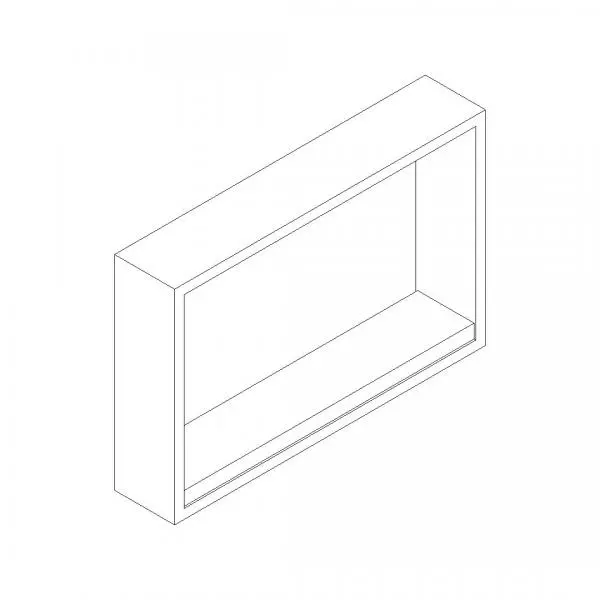
Wall-mounted floating bench seating modelled as a clean Revit family, featuring an integrated rectangular surround and cantilevered seat. The component depicts a rectilinear wall-based floating bench enclosed within a defined outer trim casing. A solid horizontal seat plane extends across the full width of the framed alcove, creating a boxed seating portal or recessed banquette insert. The geometry relies on clean orthogonal profiles without visible hardware, brackets, or exposed fixings, maintaining a streamlined profile. Its enclosed casing outlines the back wall cavity and side reveals, presenting a complete built-in joinery unit ready for wall mounting or recessed installation within standard architectural partition walls.
The download is a 389 KB file containing a Revit family (.rfa). Load it into a project from the Insert tab with Load Family, then place it like any other component of its category; it schedules and tags with the rest of your model.
As a wall-hosted Revit family, the element hosts directly onto standard interior or exterior wall elements in floor plans and sections. Users can place the unit along partition layouts, adjust placement elevation to suit finished floor heights, and associate Revit material parameters to the frame and seat surfaces for scheduling and rendering workflows.
Suited for commercial reception areas, educational corridors, healthcare waiting rooms, and contemporary residential entryways, this built-in alcove bench provides space-saving perimeter seating. It integrates cleanly into hallway millwork packages, locker room layouts, or breakout amenity spaces. Interior designers and BIM coordinators frequently specify wall mounted bench seating, floating box banquette, alcove bench, or recessed seating module components across early concept through technical documentation stages.