Loading page…
Revit Family
Graphic Scale Annotation Family – Filled Imperial
by Xianze Zeng
About this asset
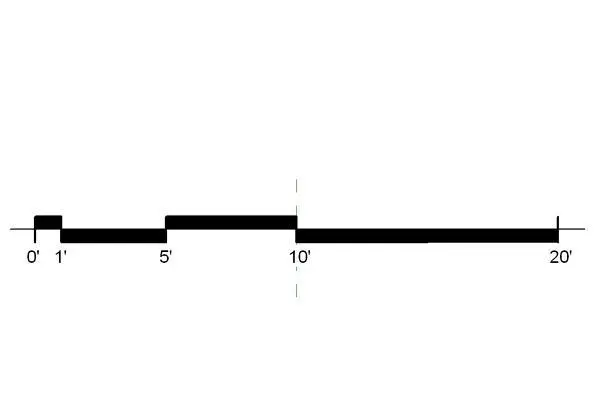
This Revit annotation family provides a clear, filled graphic scale for imperial architectural drawings and sheet documentation. The graphic scale is a clean, minimalist annotation element designed for professional architectural documentation. It features a high-contrast, filled black bar design that clearly demarcates increments at one, five, ten, and twenty-foot intervals. The layout is optimized for readability at standard drawing scales, ensuring that the visual representation of distance remains accurate when printed or exported. The design avoids unnecessary embellishments, focusing purely on functional clarity for construction documentation and site plans, making it a reliable component for maintaining consistent graphic standards across large-scale project sets and technical drawing sheets.
The download is a 72 KB file containing a Revit family (.rfa). Load it into a project from the Insert tab with Load Family, then place it like any other component of its category; it schedules and tags with the rest of your model.
As a standard Revit annotation family, this symbol is loaded directly into a project file or template. Once loaded, it can be placed onto title blocks or individual drafting views to provide a static scale reference. Users should ensure the family is mapped to the correct view scale to maintain visual accuracy. It is typically managed within the project browser under annotation symbols, allowing for quick insertion and alignment across multiple sheets during the final stages of design documentation.